Skip to product information


Black Myth: Wukong
Rs. 149.00
Description
🎮 Black Myth: Wukong
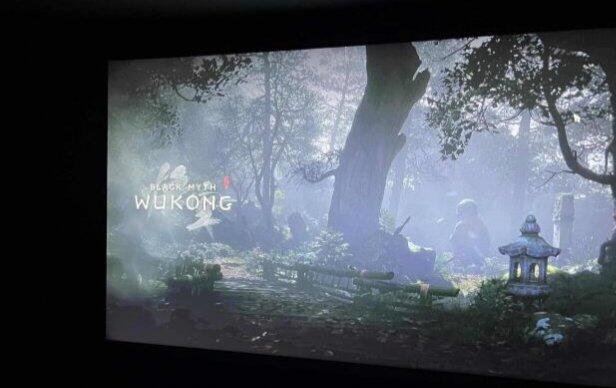
Black Myth: Wukong is an action RPG rooted in Chinese mythology. You shall set out as the Destined One to venture into the challenges and marvels ahead, to uncover the obscured truth beneath the veil of a glorious legend from the past.
⚙️ Minimum System Requirements
- Requires a 64-bit processor and operating system
- OS: Windows 10 64-bit
- Processor: Intel Core i5-8400 / AMD Ryzen 5 1600
- Memory: 16 GB RAM
- Graphics: NVIDIA GeForce GTX 1060 6GB / AMD Radeon RX 580 8GB
- DirectX: Version 11
- Storage: 130 GB available space
🎁 What You Get?
- Offline Play Access
- Reliable Customer Support
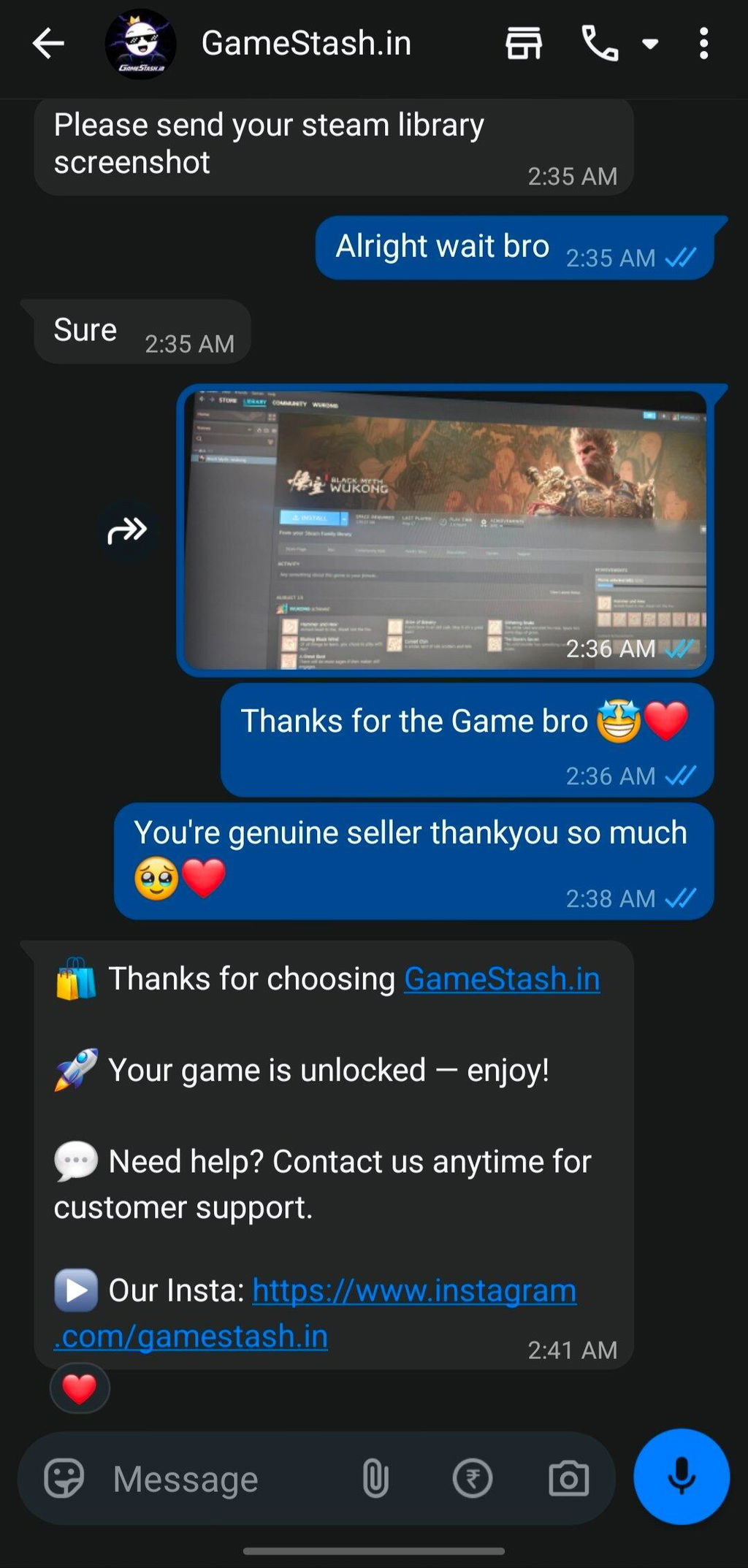
- Trusted by 1,000+ Customers
- Smooth Gameplay
- Competitive Pricing
- Clear Setup Instructions
🔐 Offline Activation
We provide official Steam-based game access for offline activation. The game is not a cracked or pirated copy; activation is provided through Steam and the game has been legitimately purchased through the platform.
Instructions
🎮 How to Activate & Play
After purchasing your game from us, follow the steps below:
Step 1 — Install Steam
Download and install the official Steam application on your PC, then open Steam and log in using the User ID and Password provided by us.
Step 2 — Verification
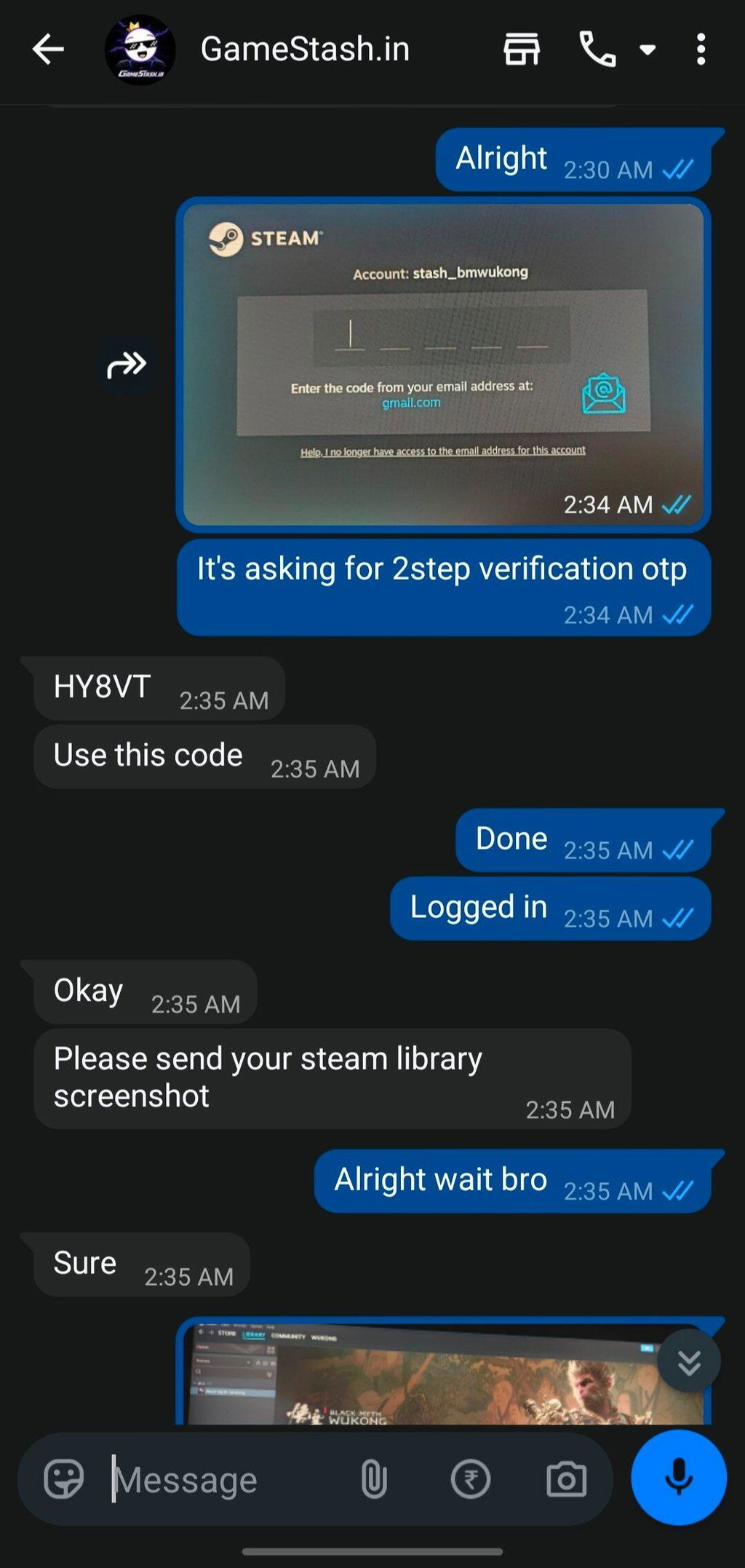
Steam may request a verification code when you log in. If a code is required, contact us with the code request, and we'll provide the necessary verification code.
Step 3 — Download Your Game
- Once you're logged in:
- Click Library at the top of Steam.
- Find the game you purchased in your library.
- Select the game and click Install.
- Wait for the game to finish downloading and installing.
Step 4 — Switch Steam to Offline Mode
Once the installation is complete:
- Click Steam in the top-left corner.
- Select Go Offline.
- Confirm the switch to Offline Mode.
- Launch your game by clicking Play.
Step 5 — Enjoy Your Game 🎮
Your offline activation is now complete. You can launch and play the game while Steam is in Offline Mode.
Important: Make sure Steam remains in Offline Mode before launching the game.
Replacement Policy
We want every customer to have a smooth gaming experience. If you're unable to run the purchased game despite meeting the required system specifications, we offer replacement or refund options subject to the conditions below.
💰 Refund Policy
A refund may be provided in the following situations:
- We are unable to provide the purchased game.
- The game does not work on your PC despite your system meeting the game's minimum system requirements.
Refund eligibility is assessed on a case-by-case basis after we have attempted to resolve the issue.
Please check the game's minimum system requirements before purchasing.
If your PC does not meet the minimum system requirements, you will not be eligible for a refund or replacement due to performance or compatibility issues.
🔄 Replacement Policy
If the purchased game cannot be made to work on your PC despite your system meeting the minimum requirements, you may request a replacement.
You can choose another available game of similar value as a replacement.
❌ Non-Eligible Situations
Refunds or replacements are not available if:
- Your PC does not meet the game's minimum system requirements.
- You purchased the game without checking its system requirements.
- The game runs but you simply don't like the game.
- You change your mind after purchasing.
- You purchased the game and no longer want it.
🛠️ Before Requesting a Refund or Replacement
Please contact our support team first. We'll help troubleshoot the issue and attempt to get the game working on your system.
If the issue cannot be resolved and your PC meets the required specifications, we'll review your request and provide the appropriate refund or replacement according to this policy.
We recommend checking the minimum system requirements before every purchase to avoid compatibility issues.